Anatomical Structure Collection (ASC)
Summary
AnatomicalStructureCollection (ASC) holds anatomical structures (e.g., vertebrae, ribs, organs) and their associated data. Use ASC as the primary data model for Anatomy workflows (registration, projection, deformation).
Contents
Structures: collection of
AnatomicalStructureobjects.Key-value stores: images, meshes, keypoints, planes, point clouds, splines.
Properties and display options (e.g., style sheets, alpha).
See ASC Viewer for how to access and export the data stored in the ASC.
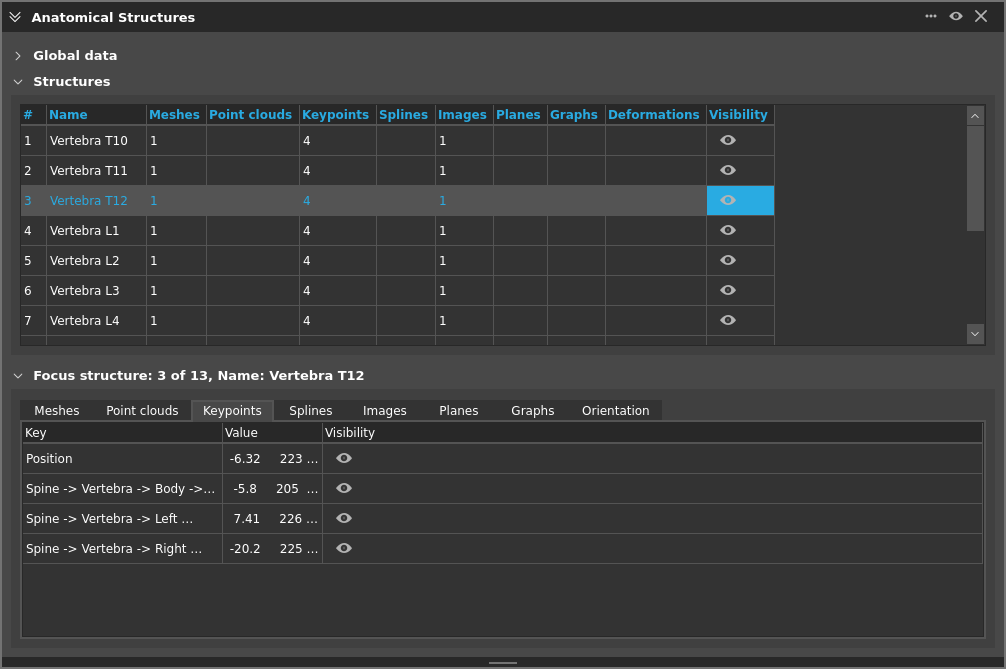
Generic ASC
A “Generic ASC” is a flexible ASC without anatomy-specific subclasses. It lets you:
Represent arbitrary anatomical structures by identifier (no predefined class required).
Attach the same kinds of data as any ASC (meshes, images, keypoints, splines, planes, point clouds).
Use general-purpose algorithms (e.g., ASC Registration, ASC Projection) without needing a dedicated type.
Typical use cases: quick prototyping, importing data from external sources that don’t map to a built-in structure, or building composite scenes. It saves/loads exactly like any other ASC.
ASC Sets
An ASCSet is a container that holds multiple AnatomicalStructureCollection objects together as a single data item. ASC Sets can be saved/loaded as single files and work with algorithms like ASC I/O for import/export operations. Individual ASCs within a set remain independently accessible while benefiting from unified data management.
Anatomical Structures
Each entry in an ASC is an AnatomicalStructure identified by a stable string (e.g., “L3”, “Sacrum”). Structures expose the same standard data containers:
Images, meshes, keypoints, planes, point clouds, splines
Attributes/properties and per-element display options
Subclasses may exist for specific anatomies (e.g., Sacrum), but ASCs work uniformly with generic structures where no subclass is required.
Style Sheets
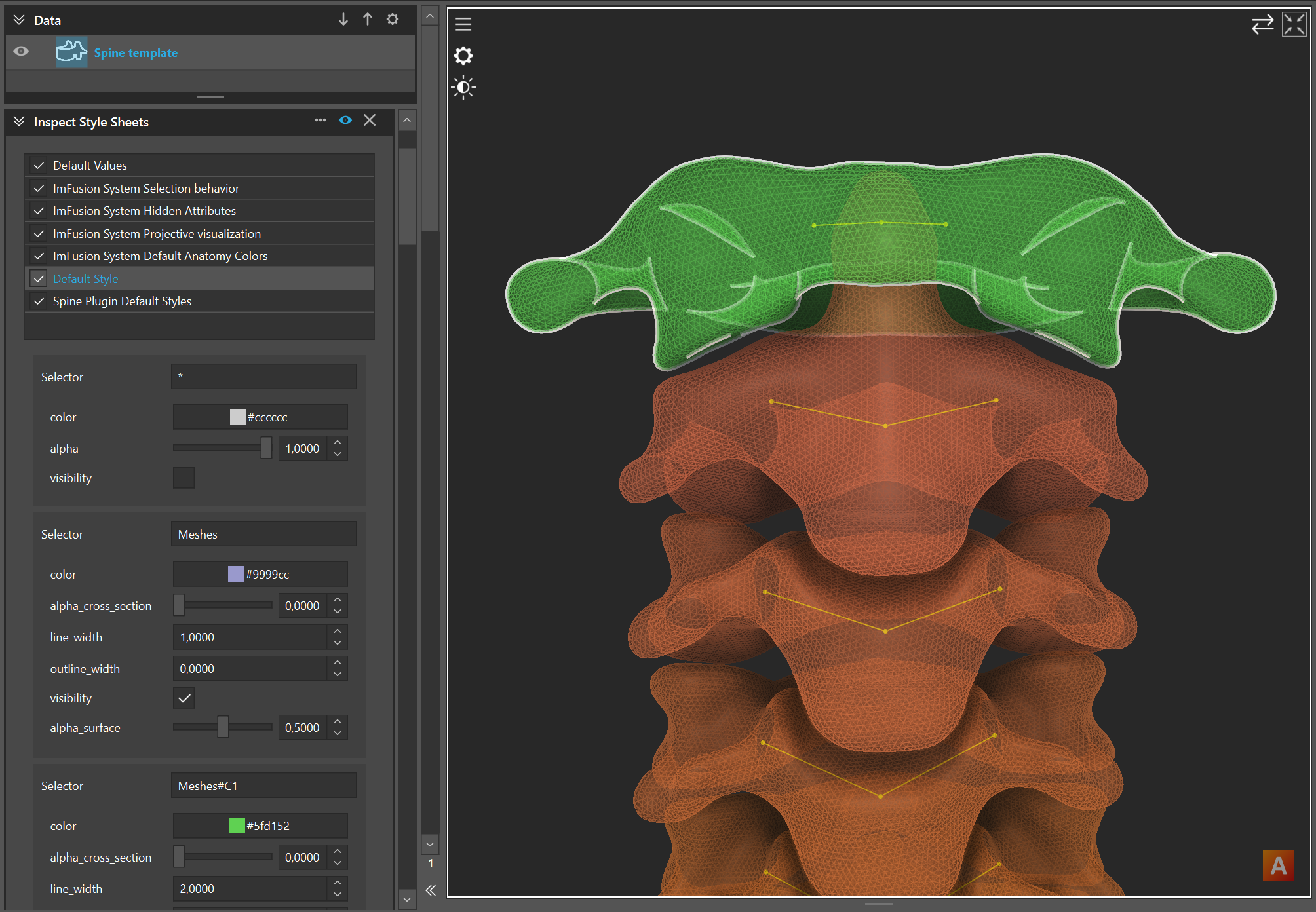
The AnatomyPlugin uses a CSS-inspired style sheet system to control the visual appearance of anatomical structures and their associated data (meshes, keypoints, planes, etc.). Style sheets provide flexible, rule-based styling that can:
Target specific structures: Use selectors to match anatomical structures by identifier (e.g., “L3”, “liver”), content type (mesh, keypoint, plane), or custom attributes.
Apply visual properties: Set colors, transparency, visibility, line width, point size, and other display properties.
Apply conditional styling based on states like “:focus”, “:selected”, or “:highlighted”.
Enable/disable dynamically: Toggle entire style sheets on/off to switch between different visualization modes.
Style sheets use a selector-declaration syntax similar to CSS. For example, a rule might target all meshes with or specific structures. The system supports wildcards, attribute matching, and complex selectors for fine-grained control over anatomical visualizations.
Use the Anatomy -> Inspect Style Sheets controller to browse, edit, and preview style changes in real-time.
Save and load
Save/load ASC and ASC sets using right-click menu Export -> ASC File as .imf (recommended) or as .zip file to export the contents of the ASCs using industry-standard formats.
See also
ASC Viewer for inspecting and editing structures.
ASC Registration for aligning two ASCs.
ASC Projection for rendering projections.